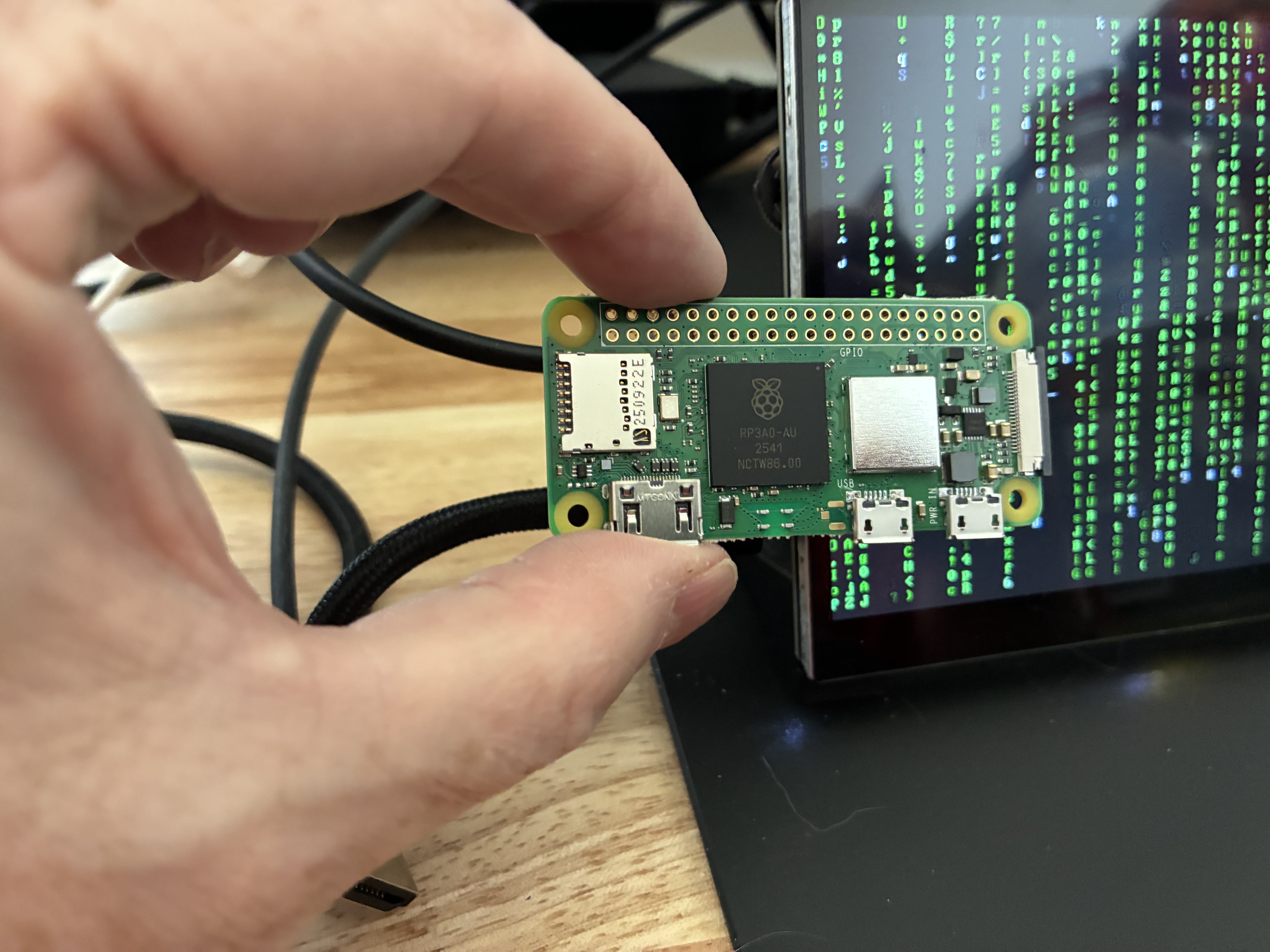
Turns out you can run a surprising amount on 512MB of RAM. Here's what I learned about what you can do on the smallest Pi.
The Hardware Constraints
When deploying to a standard cloud VPS, you rarely think about memory for a static site. On a Raspberry Pi Zero 2 W, memory is the primary bottleneck. The quad-core ARM Cortex-A53 processor is surprisingly capable, but sharing 512MB of RAM with the GPU and OS requires a strict "less is more" philosophy.
The Software Stack
To keep the system lightweight and stable, I opted for a highly minimal stack:
- OS: Debian Linux, using a headless minimal install.
- Web Server: Nginx, configured for fast static delivery.
- Networking: Cloudflare Tunnels through
cloudflared.
"The beauty of self-hosting on low-power hardware is that it forces you to write efficient code and configure systems properly, rather than throwing more resources at a bloated setup."
Why Cloudflare Tunnels?
Opening port 80 and 443 to the public internet on a home residential connection isn't ideal. Tunnels solve this by creating an outbound connection from the Pi to Cloudflare's edge network. Nginx handles the local routing to the right directory, including mapping paths such as /images/ to the correct folder.
# Starting the tunnel as a system service
sudo cloudflared service install <your-token-here>
sudo systemctl enable cloudflared
sudo systemctl start cloudflared
Final Thoughts
This little board consumes barely any power, generates minimal heat, and reliably serves this very page. It's an excellent project for learning Linux administration, web server configuration, and networking without any monthly hosting fees.